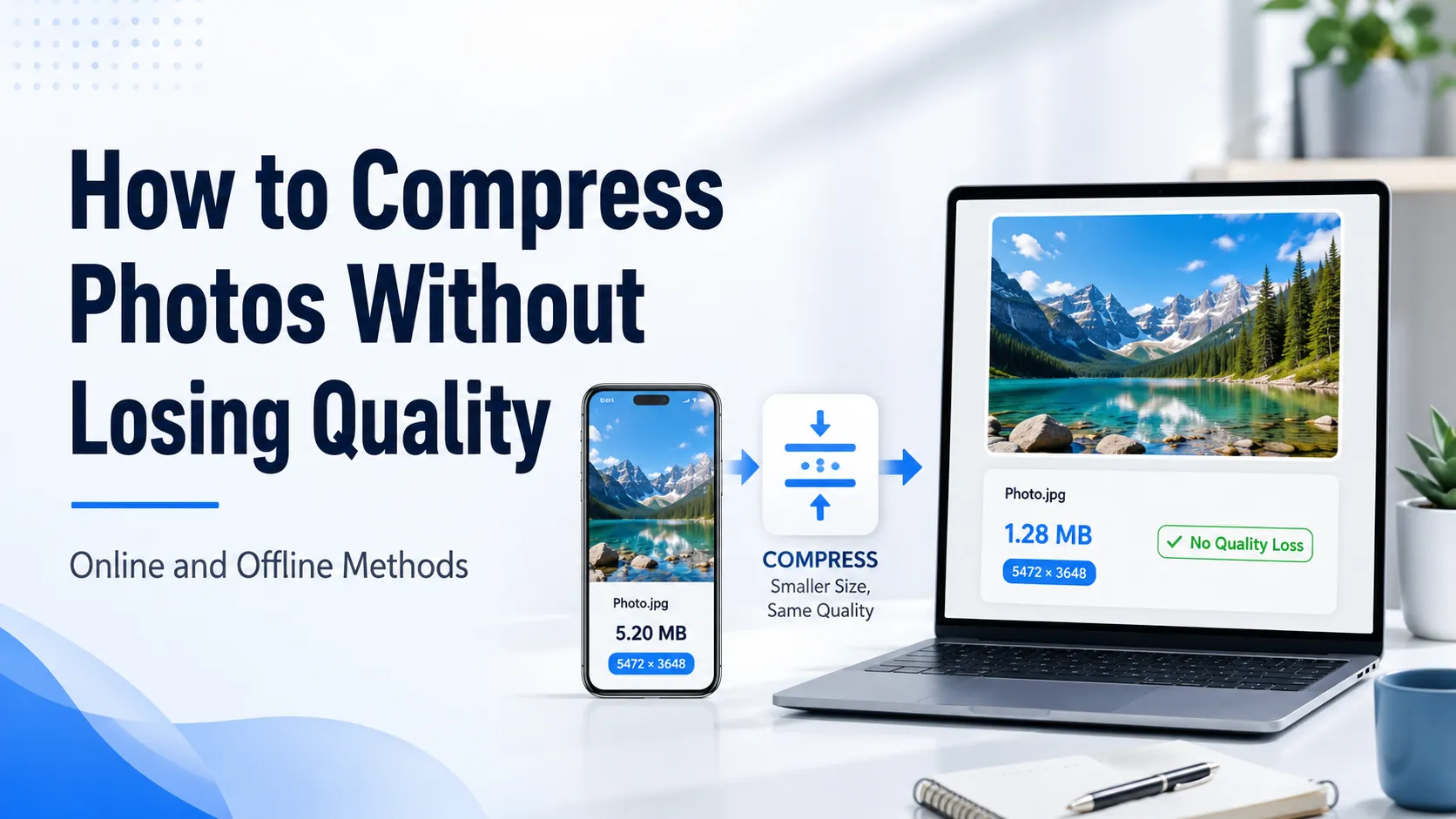
Zipped a folder of photos and the ZIP came out almost as heavy? That's not a bug: ZIP can't squeeze what's already squeezed, and JPG, PNG and HEIC are compressed out of the box. The fastest way to actually shrink an archive like that is to compress the images themselves and pack them back into a ZIP — right in your browser. Here's how to do it, and when plain re-zipping does help after all.
Why a ZIP of photos barely shrinks
ZIP uses an algorithm called DEFLATE — it's great with repetition and text: it finds identical byte sequences and replaces them with short references. On an ordinary document or log that yields several-fold compression.
Photos are a different story. JPG, PNG and HEIC are already compressed formats: there's almost no repetition left inside for DEFLATE to collapse. The archiver simply has nothing to squeeze. That's why "re-zipping on maximum" buys you 1–3%, not the multiple-times shrink people expect.
The takeaway is simple: to make an archive of photos lighter, you shrink the photos, not the container around them.
How to shrink a ZIP of photos in a couple of steps
The idea is to compress the images first, then archive them again. The ZIP shrinks almost in proportion to how much the photos slimmed down — usually 60–85%.
The easiest way is to do it online, without unpacking the archive by hand:
- Open the bulk image compressor.
- Drop in the ZIP archive — it unpacks right in the browser.
- Pick a mode: "no visible quality loss" or "to an exact size in KB".
- Run it — Sevio compresses every image and builds a new, lighter ZIP.
- Download the result; files on the server are deleted automatically.
One setting applies to the whole batch at once, so you don't have to configure each shot separately. For a product catalog or a folder of holiday photos that saves dozens of clicks.
When plain re-zipping does help
If the archive holds text and uncompressed data rather than photos, re-zipping really does cut the size. DEFLATE and stronger algorithms compress these well:
- text files, logs, source code;
- CSV and JSON tables;
- uncompressed formats like BMP, WAV or non-compressed TIFF.
For files like these it's worth reaching for a stronger archiver: 7-Zip with the 7z format on the "ultra" level often beats a plain ZIP. But that only works where the data isn't compressed yet.
What about 7-Zip and WinRAR for photos
7-Zip and WinRAR are excellent archivers, but they obey the same physics. A folder of JPGs will compress by the same 1–3%, and the "ultra" mode just takes longer while barely changing the final weight. The 7z format doesn't rescue it either: there's nothing left to squeeze out of already-compressed pixels.
If the goal is to genuinely lighten the photos — for a website, email, a messenger or a form upload — compress the images; the container is secondary. Save the archiver for the very end, to neatly pack the finished, lighter files into a single ZIP to send.
Drop your archive in and see how much it slims down: